
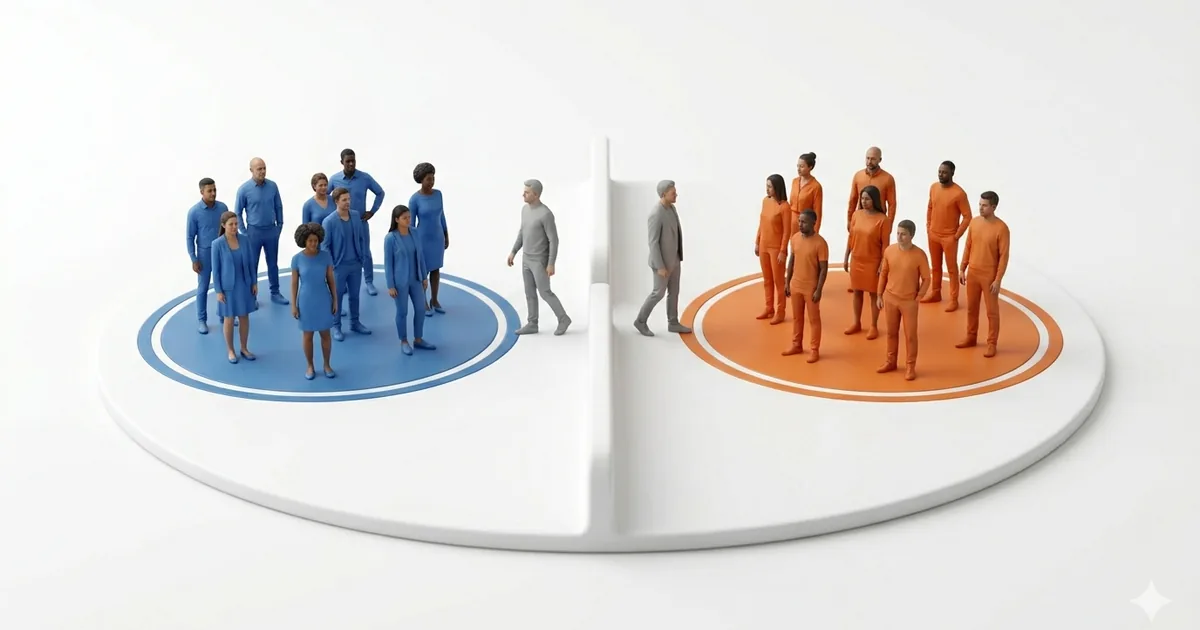
Dividing people manually can take longer than the activity itself, especially when participants want to stay with friends or disagree about the groups. Random selection offers a quick and impartial starting point.
Random does not always mean balanced. If experience, skill, age, accessibility, or safety affects the activity, generate the teams first and then make only the adjustments that are genuinely needed.
Why use a random team generator?
A generator handles the mechanical work: it mixes the names and distributes participants among the requested number of groups. This saves time and avoids placing the decision entirely in one person's hands.
- Speed: create several teams in a few seconds.
- Impartiality: no participant chooses who is included first.
- Organization: the final groups appear as clear lists.
- Flexibility: use the same process for small or large groups.
When random teams are useful
Random groups work well for classroom exercises, casual sports, video games, workshops, tournaments, family activities, and meeting dynamics. They are especially useful when participants have broadly similar roles or abilities.
For a competitive match, review whether the generated teams have major skill differences. For a class or workplace activity, check that every participant can take part comfortably and that any required accommodations are respected.
How to create teams step by step
- Prepare the names: add one participant per line.
- Review the list: remove blanks and unintended duplicates.
- Choose the number of teams: consider the activity and available space.
- Generate the groups: use the random team generator.
- Check the result: make a minimal adjustment only when a real constraint requires it.
If you first need to choose captains, use the name picker. A random wheel can then assign colors, sides, topics, or starting positions.
Tips for fairer groups
Start with a clean participant list. If two people share a name, add an initial or another neutral identifier so the entries remain distinct.
When balance matters, identify the relevant factor before generating the teams. You might intentionally distribute experienced players, mix departments, or avoid placing every beginner in the same group. Keep manual changes limited and explain them clearly.
Avoid repeatedly regenerating teams merely because someone dislikes the first valid result. That weakens the neutrality of the process.
Ideas for using random teams
- Create teams for a short tournament or board game night.
- Form classroom discussion or project groups.
- Organize trivia, relay, or creative challenge teams.
- Mix people from different areas during a workshop.
- Assign participants to stations or activity tables.
- Divide a large gathering into smaller conversation groups.
Common mistakes to avoid
Do not overlook unequal group sizes. If the total cannot be divided evenly, decide whether one larger team is acceptable or whether someone should rotate.
Check for duplicate, missing, or misspelled names before generating the result. Also avoid creating groups so large that some members cannot participate meaningfully.
Frequently asked questions
What is the fastest way to divide a group into teams?
Enter the participant names in a random team generator, choose the number of teams, and generate the groups.
Are random teams always fair?
They are impartial, but they may not be balanced by skill, age, experience, or another relevant factor. Review the result when those differences matter.
Can I create teams of equal size?
Yes. When the number of people is not evenly divisible, some teams will naturally have one extra member.
Should I remove duplicate names?
Yes, unless the duplicate represents a different participant with the same name. Add an identifier when necessary.
Can I use random teams in a classroom?
Yes. Random groups are useful for short activities, discussions, projects, and participation exercises.
Can I adjust the result after generating it?
Yes. Make the smallest necessary change when you need to balance skill, accessibility, safety, or participation.
Conclusion
Random teams offer a fast and transparent way to organize a group. They work best as a neutral first draft that you can review against the real needs of the activity.
Use the Randomiza Fácil team generator to enter your participants, choose the number of groups, and create teams in seconds.